

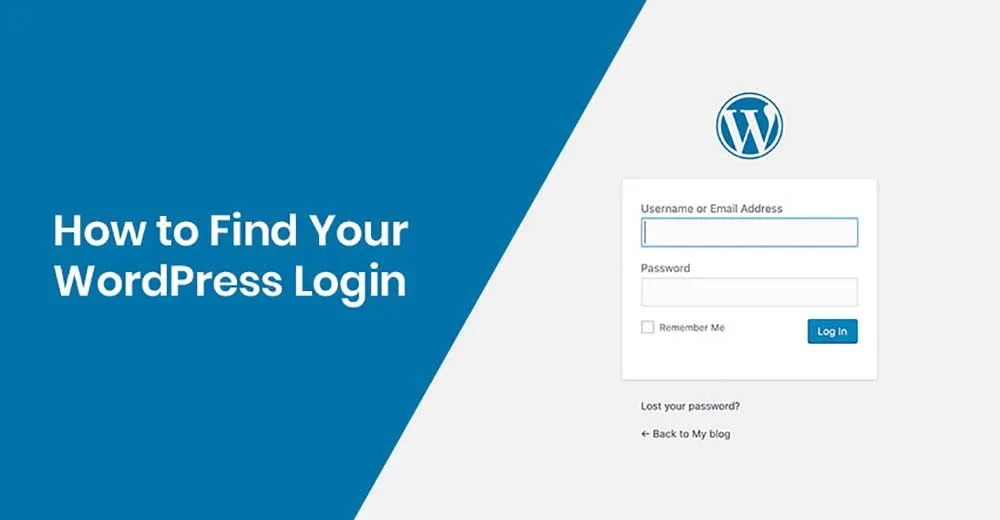
WordPress CMS Login: A Step-by-Step Guide
Logging into a WordPress CMS Website To log in to a WordPress CMS website, follow these simple steps: Open your web browser and enter the URL of your website followed by “/wp-admin”. For example, if your website is www.example.com, enter www.example.com/wp-admin in the address bar. This will take you to the WordPress login page. On the login page,…
Read article